
Design
Product design for software people have to use on a busy day
We design the parts of a product people touch: task flows, screen structure, and the states that are usually forgotten, such as empty, denied, offline, and failed. Design is delivered so engineering can build it without inventing the rules.
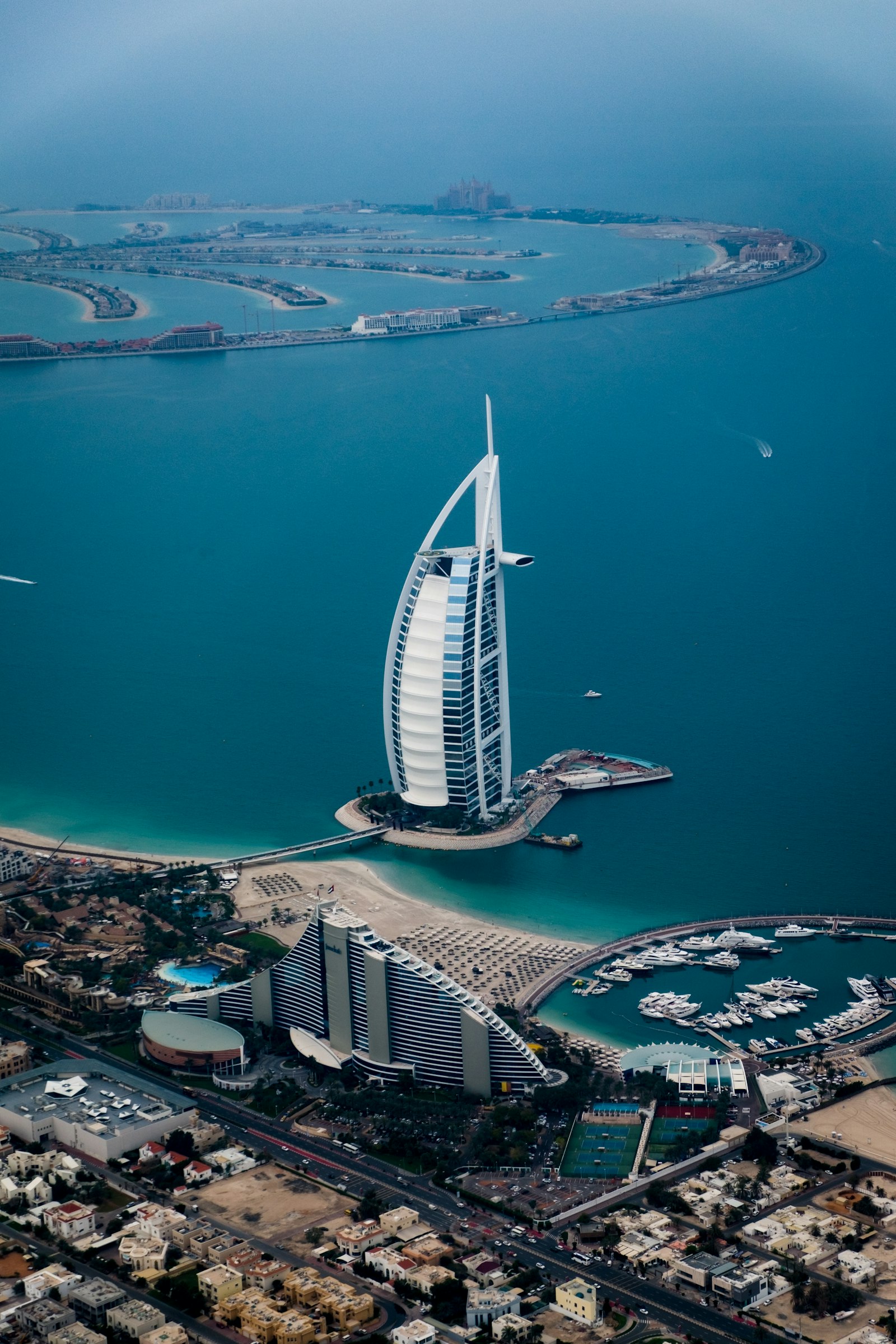
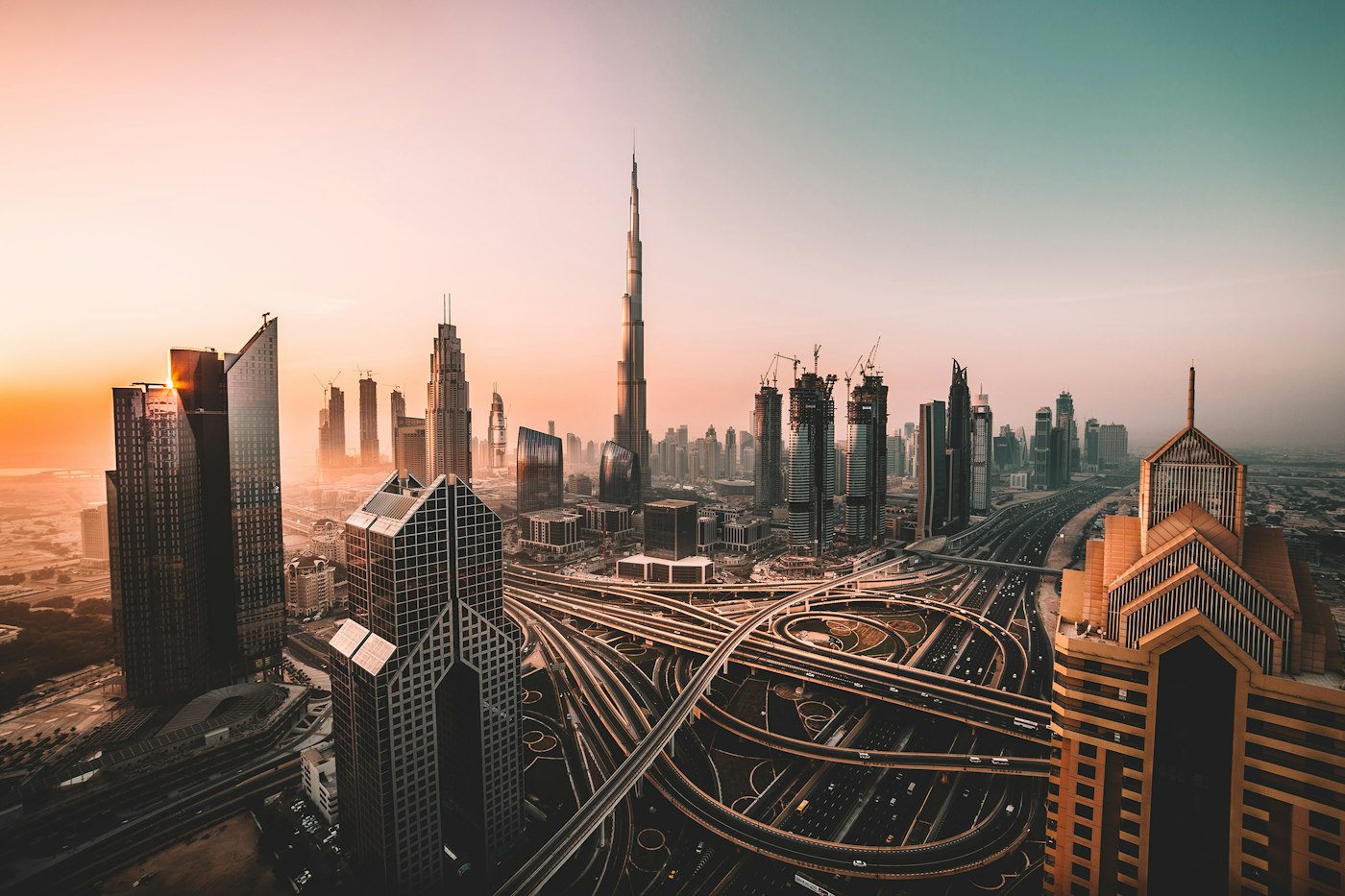
Designed in Dubai and Ajman.
Dubai office
45th Floor, The One Tower, Sheikh Zayed Road, Barsha Heights
Ajman office
26th Floor, Amber Gem Tower, Nuventure Free Zone
Contact
Email, call, or WhatsApp info@raabsoftwares.com
What we build
- Task flows
- Interface structure
- Design for build
- Review against the working software

How we work
- Watch the current task
- Prototype the hard screen
- Sit with the build
Design
Design inside the delivery, not beside it
A separate design phase that ends in a static picture tends to ignore permissions, latency, and the data you do not have. We design the critical flows with engineering, then expand. Visual craft matters, and so does the screen that explains why an approval was rejected.

Design
Design inside the delivery, not beside it
How we work
- 01Watch the current task
- 02Prototype the hard screen
- 03Sit with the build
How it runs
What has to be true before the next slice
- 01Watch the current taskEven a spreadsheet has a flow. We start there.
- 02
 Prototype the hard screenThe densest or most error-prone step, not the landing page.
- 03
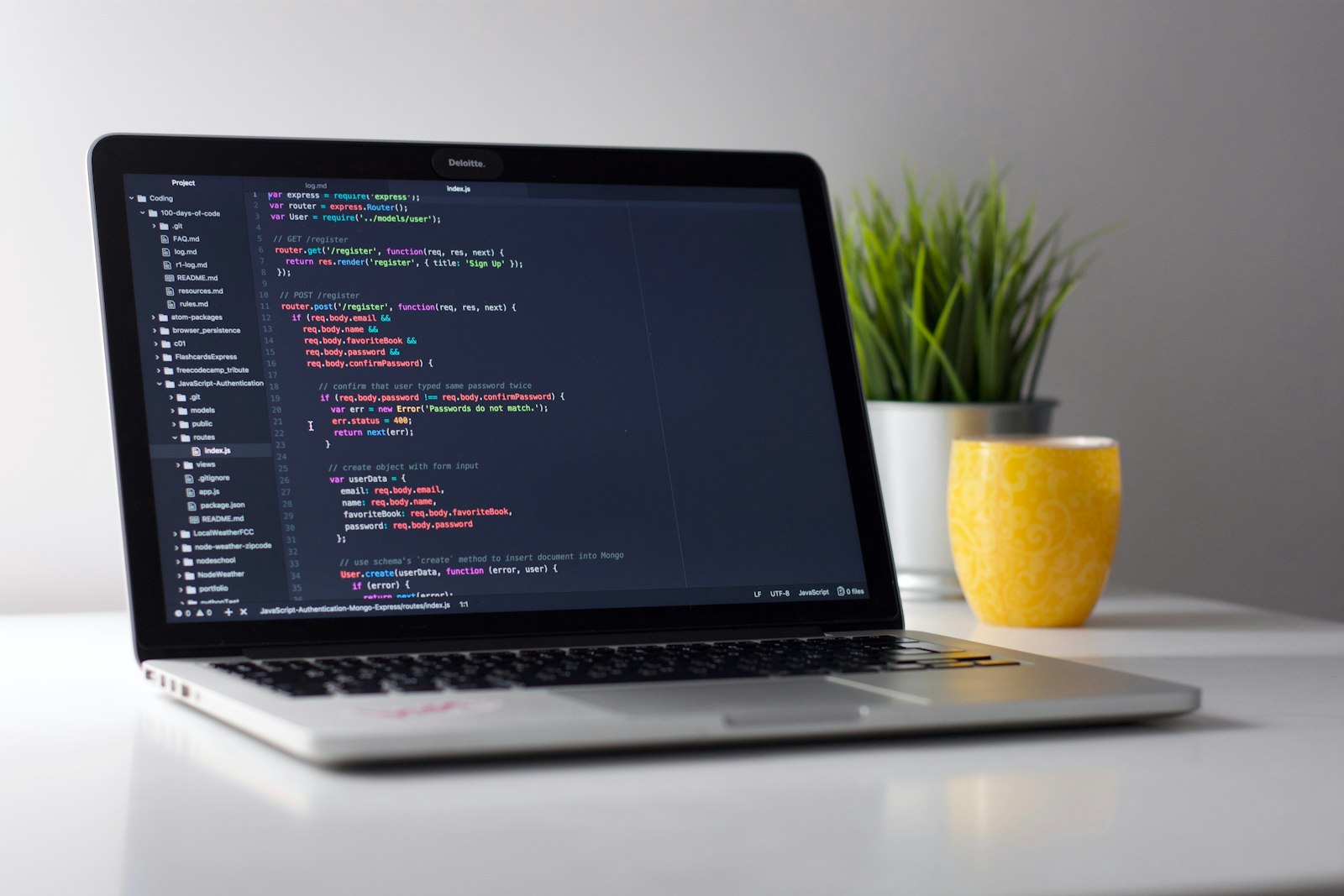 Sit with the buildAdjust once real data and real permissions are on the screen.
In practice
Design tied to a system
Flows and interfaces tied to the system that will actually be built.
A separate design phase that ends in a static picture tends to ignore permissions, latency, and the data you do not have. We design the critical flows with engineering, then expand. Visual craft matters, and so does the screen that explains why an approval was rejected.
- The task, not a moodboard
- States for empty, error, and permission
- The words staff will actually read
- A full visual identity
- Screens for flows that are out of scope
- Motion that hides a missing state
On the screen
Arabic, English, and dense work
Many of the products we expect to build in the UAE are bilingual and data-heavy. We plan reading direction, labels, and tables early. A decorative homepage is not a substitute for a usable operations screen.
UI/UX design
- Task flows
- Interface structure
- Design for build
- Review against the working software
In this build
UI/UX design
- Task flowsThe path for each role, including the points where a person must decide.
- Interface structureNavigation, forms, and feedback that match the domain language your staff already use.
- Design for buildStates, validation, and components an engineer can implement without guessing.
- Review against the working softwareThe shipped interface is checked against the flow, not only against a mock.
Arabic, English, and dense work
Many of the products we expect to build in the UAE are bilingual and data-heavy. We plan reading direction, labels, and tables early. A decorative homepage is not a substitute for a usable operations screen.
- A full visual identity
- Screens for flows that are out of scope
- Motion that hides a missing state
Included now
Design tied to a system
Designed for the release
- The task, not a moodboard
- States for empty, error, and permission
- The words staff will actually read
Not a separate brand programme
- A full visual identity
- Screens for flows that are out of scope
- Motion that hides a missing state
Decide before we start
What changes the design work
- TThe operatorA clerk on a deadline and a customer on a phone do not share a layout just because the data does.
- TThe constraintsArabic, dense tables, and a small phone are design inputs, not polish at the end.
- WWhat can be builtWe design the interface the release will actually contain, including the admin.
Bring this to the call
What design needs before screens
The task
What the person is trying to finish.
The constraint
A phone, Arabic, or a dense table. Name the hard one.
The words
The labels staff already use.
The release
Which flows are in, so we do not draw the rest.
Services
What we build
Task flows
The path for each role, including the points where a person must decide.
Interface structure
Navigation, forms, and feedback that match the domain language your staff already use.
Design for build
States, validation, and components an engineer can implement without guessing.
Review against the working software
The shipped interface is checked against the flow, not only against a mock.
How we work
How an engagement runs
- Step 01
Watch the current task
Even a spreadsheet has a flow. We start there.
- Step 02
Prototype the hard screen
The densest or most error-prone step, not the landing page.
- Step 03
Sit with the build
Adjust once real data and real permissions are on the screen.
Related
Related reading


Common questions
Questions we are often asked
Do you only design, without building?
We can lead the product design on a system we are also building. A design-only engagement is possible when there is an engineering team to receive it and a named owner on your side.
Will we get a design system?
You get a coherent set of components for the product. A giant abstract system is not the goal of a first release.
Can you redesign an existing app?
Yes, starting from the tasks that fail today. A visual refresh that leaves the broken flow in place is not the engagement we recommend.
Ready to operate
Marks a design is ready to build
- 01A task was watchedThe screens follow a job someone does, not a sitemap invented in a workshop.
- 02Empty and errorThe first release shows what happens when there is no data and when a step fails.
- 03Their wordsLabels use the language the operators already use.
- 04Build can startThe repeated path is specified tightly enough that engineering is not guessing.
Use this list on the call. Tell us which marks are missing today, and which can wait.

Write to us
Tell us about the work.
Share the outcome, the deadline, and the constraints. We reply from Dubai or Ajman with a practical way to start, including what should wait.
Dubai 45th Floor, The One Tower, Sheikh Zayed Road, Barsha Heights
Ajman 26th Floor, Amber Gem Tower, Nuventure Free Zone